YouTube Premium in as Little as Five Minutes? Exploring GamsGo’s New 24h Online Recharge
- Technology
Simran
- 0
- 29 minutes read
Subscriptions should make daily life easier, not more complicated. Yet many of us still hand over passwords, wait around for activation, or watch recurring costs creep up month after month.
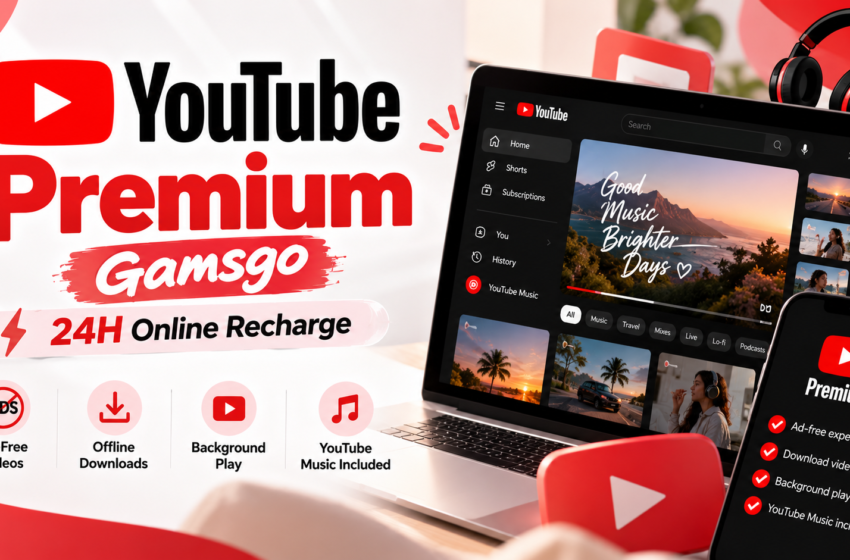
GamsGo’s new 24h Online Recharge for YouTube Premium takes aim at that friction. Eligible users don’t need to share a password or backup codes, and once the online session is connected, a recharge can take as little as about five minutes.
Alongside it, GamsGo offers Spotify Premium for everyday listening and Disney+ for family and franchise entertainment. Here’s how all three work, who each suits best, and what to check before you buy. We’ll keep every claim tied to what GamsGo’s live product pages actually show on any given day.
→ Explore the new 24h Online Recharge on GamsGo
YouTube Premium Through GamsGo’s 24h Online Recharge
YouTube is where many of us spend a big chunk of the day: tutorials in the morning, background music while working, a long video at night. Ads break that rhythm constantly, which is why YouTube Premium appeals to so many people. The sticking point has usually been the activation process, especially when it asks for sensitive login details.
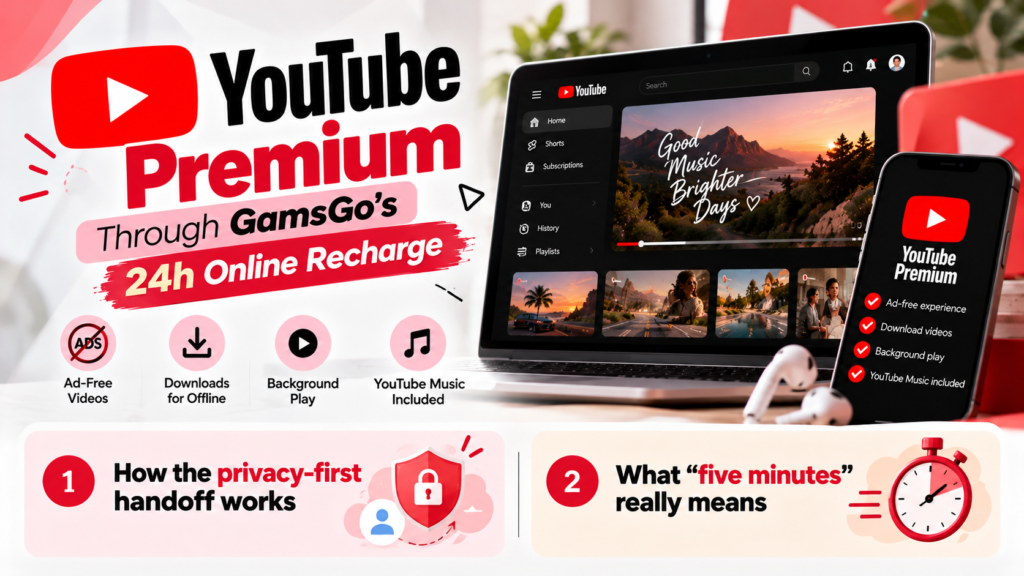
The new 24h Online Recharge is GamsGo’s answer. Instead of passing credentials to anyone, eligible users stay online and complete the recharge through a connected session. Once that session is connected and the required verification succeeds, the whole thing can be done in as little as about five minutes.
How the privacy-first handoff works
The idea is simple: your account stays yours. On this route you aren’t asked to provide:
• Your account password
• Your backup codes
• Other sensitive login credentials
To be precise, that doesn’t mean no information is needed at all. An eligible account identifier and a live verification step may still be part of the process. What changes is that the sensitive details never leave your hands.
What “five minutes” really means
Five minutes is the best-case scenario for an eligible, successfully connected session. It isn’t a promise for every order. Your region, your selected product and the live service capacity at that moment all play a part, so treat it as a fast path rather than a stopwatch guarantee.
| Feature | What to know |
| 24h availability | Positioned for around-the-clock access, subject to the live page and actual service capacity |
| Credential handoff | No password, backup codes or other sensitive login credentials shared with GamsGo |
| Speed | As little as about five minutes once connected and verified (best case, not a guarantee) |
| Account | Premium lands on your own eligible account |
| Eligibility | Depends on your region and the product you select; check the live page |
A quick walkthrough
Here’s the general flow for a typical order. The exact screens may differ, so follow the live page as you go.
1. Choose the YouTube Premium option on GamsGo and select the 24h Online Recharge route.
2. Pick your plan or duration and complete checkout.
3. Connect your online session when prompted, without typing in a password or backup code.
4. Wait for verification to succeed, then let the recharge complete.
5. Open YouTube and confirm Premium is active on your own account.
What you keep after activation
Because Premium is added to your own eligible account, your watch history and recommendations stay exactly where you left them. No starting from scratch, no rebuilding your feed. You also get the core Premium benefits:
• Ad-free viewing
• Background play
• Offline downloads, where officially supported
A small caveat worth knowing: not every video is ad-free or downloadable. YouTube’s own limitations and creator promotions can still apply.
Check before you order
• Product type. YouTube Premium, Premium Lite and Music Premium are different products and aren’t interchangeable.
• Visibility. Confirm the 24h Online Recharge option appears for your region and chosen product.
• Live terms. Price, duration, support and guarantee details live on the GamsGo product page, which is always the final word.
→ Compare affordable YouTube Premium options through GamsGo
Spotify Premium for Everyday Listening
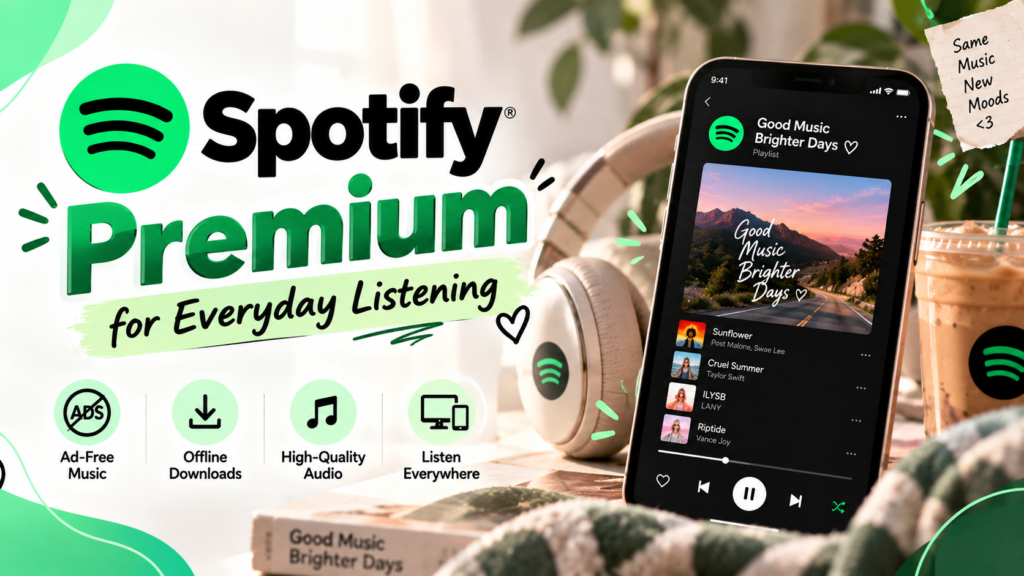
If your day runs on playlists, podcasts and the occasional late-night rabbit hole, Spotify Premium deserves its own spot in your routine. It’s built for people who listen all day long, and GamsGo makes it easier to compare options that fit how you actually listen.
Where Premium earns its keep
• Commuting: download your queue and keep it playing through patchy signal.
• Working: uninterrupted focus playlists, with no ad breaks mid-task.
• Training: pick any track on demand and control playback your way.
• Travel: offline listening for flights, road trips and weak hotel Wi-Fi.
Ad-free listening, offline downloads, on-demand playback and higher audio quality all depend on the plan you choose and Spotify’s rules in your region, so it’s worth reading the plan details before you commit.
Pick the account format that suits you
GamsGo may list several Spotify formats, and they don’t all behave the same way. If you’d like to keep your playlists, saved music, listening history and recommendations, look for the option that recharges your own Spotify account, where it’s available. Other formats, such as a GamsGo-provided account, can differ on podcast access and renewal.
| Account format | Good fit if you… | Check first |
| Recharge to your own account | Want to keep playlists, saved music and history | Availability, region and delivery |
| GamsGo-provided account | Prefer a fresh start without linking an existing account | Account ownership, podcast access, renewal |
| Any format | Want the best match for your habits | Duration, devices, guarantee and support |
The takeaway: don’t lump every Spotify option into one promise. Pick the format first, then check the details on the live page. Prices and activation speed change, so confirm them on the day you buy.
→ Compare current Spotify Premium options on GamsGo
Why Disney+ Deserves a Fresh Look After Disney Took Full Ownership of Hulu
Disney+ is no longer only a home for family favorites and major franchises. Disney completed its acquisition of NBCUniversal’s remaining Hulu interest in 2025 and now owns 100% of Hulu. Since then, it has continued folding Hulu’s general-entertainment identity and selected content into the wider Disney+ experience.
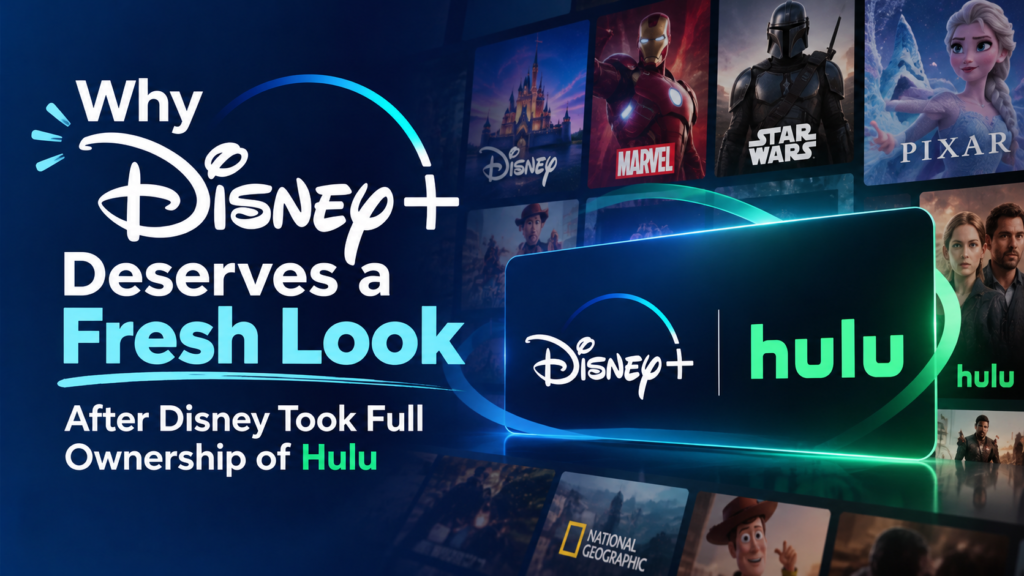
That’s a good reason to reassess what a Disney+ subscription can offer, particularly if you last looked at it as a purely kid-and-superhero service. It starts with a familiar line-up:
| Brand | What it brings |
| Disney | Classic and new family favorites |
| Pixar | Animated stories for all ages |
| Marvel | Superhero films and series |
| Star Wars | Saga films and spin-off series |
| National Geographic | Documentaries on nature, science and exploration |
Together, that makes Disney+ a handy pick for households where everyone wants something different on the screen, from toddlers to teenagers to adults winding down after work.
Then there’s the Hulu angle, which brings a broader, more grown-up mix of entertainment into the Disney streaming conversation.
A note on availability
Hulu’s integration is a reason to take another look, not a blanket promise. Content, bundles, app experience and access vary by country, plan and billing relationship. Not every Disney+ subscription includes all Hulu content, and Hulu isn’t available everywhere. GamsGo’s offer here is Disney+, so check the live Disney+ product page for what applies in your region.
→ Explore Disney+ through GamsGo
Quick Answers Before You Buy
| Question | Short answer |
| Do I need to share my YouTube password? | No. This route doesn’t ask for your password, backup codes or other sensitive login credentials. |
| Is five minutes guaranteed? | No. It’s the best case for an eligible, successfully connected session. |
| Is Hulu included with Disney+? | Not automatically. Hulu access depends on your country and plan. |
| Where do I confirm price and terms? | On the live GamsGo product page, on the day you buy. |
Which GamsGo Subscription Is Right for You?
The best choice comes down to what you reach for most. Here’s a quick way to match each subscription to your habits.
| Subscription | Best for | Headline benefit | Look out for |
| YouTube Premium (24h Online Recharge) | Privacy-minded viewers and background-play fans | No password or backup codes; as little as about five minutes | Eligibility, region, product type |
| Spotify Premium | Daily listeners and podcast fans | Ad-free, offline, on-demand listening | Account format, podcast access, renewal |
| Disney+ | Households and franchise fans | Disney, Pixar, Marvel, Star Wars, Nat Geo | Country, plan and Hulu availability |
How ordering works
The path is similar across all three products:
6. Open the product page for the subscription you want.
7. Choose your plan or duration.
8. Head to the cart or checkout and complete your purchase.
9. Receive your purchase confirmation.
10. Follow the activation or redemption steps shown.
11. Start using your subscription.
Before paying, always check the live page for price, country, duration, activation method, guarantee and support. Those details can change, and the product page is the single source of truth.
Frequently Asked Questions
It’s a GamsGo route for adding YouTube Premium to your own eligible account while you stay online. You don’t hand over a password or backup codes. Once your session connects and verification succeeds, completion can take as little as about five minutes.
No. The Online Recharge route doesn’t require your password, backup codes or other sensitive login credentials. An eligible account identifier and live verification may still be needed, so follow the steps on the product page for your region.
As little as about five minutes once your online session is connected and verification succeeds. That’s a best-case estimate for eligible users, not a guarantee, so queue conditions and live availability on the product page may affect your timing.
It depends on the option you pick. Some listings add Premium to your own Spotify account, which keeps playlists, saved music and history. Others provide a separate account. Check account ownership, podcast access, renewal and delivery before choosing.
Not necessarily. Disney owns 100% of Hulu and is folding its general-entertainment brand into Disney+, but access varies by country and plan. Check what’s included in your market and plan before subscribing. GamsGo’s link goes to its Disney+ product only.
Final Thoughts: Three Upgrades for Everyday Digital Life
Good subscriptions fade into the background. They simply make your videos, music and shows better. GamsGo’s new 24h Online Recharge makes YouTube Premium the standout: your sensitive login details stay with you, and an eligible recharge can be done in as little as about five minutes once connected. Spotify Premium keeps your soundtrack running without ads, and Disney+ rounds things out with family, franchise and Hulu-era entertainment.
Take a few minutes to compare the options, confirm the live terms for your region, and choose what fits your routine.
→ Compare current streaming options through GamsGo
Prices, terms, eligibility, activation methods and availability can change. Please verify all details on the GamsGo product page on the day you purchase.